
Custom Web Apps and Automation for Burlington Businesses
Replace the paper form, the spreadsheet and the copying and pasting with a secure web app your team will use.
Built to be fast
Older websites, rebuilt to last
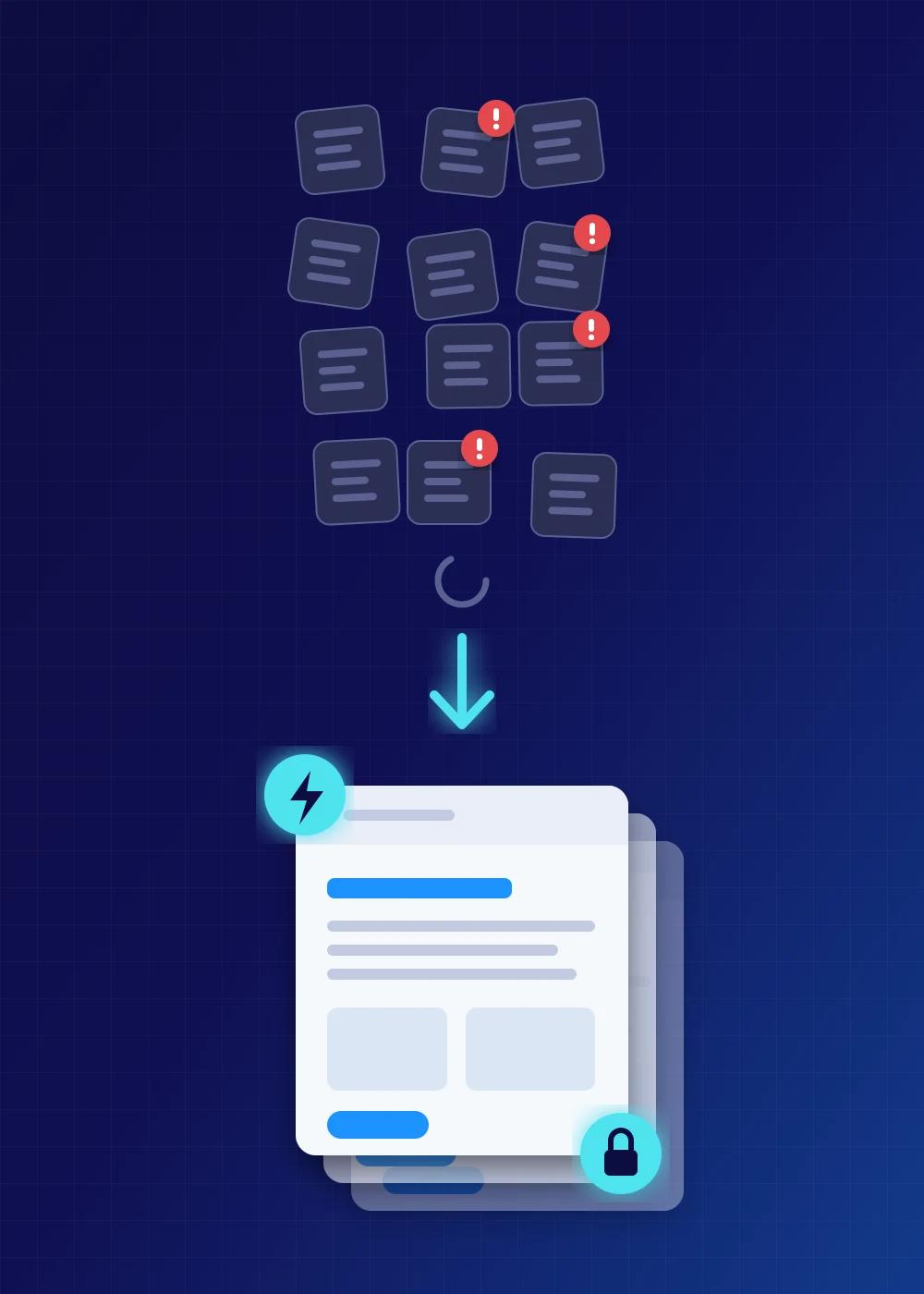
From WordPress or hand written PHP to fast pages you still control
I rebuild these sites in React and Node.js, the same stack as this site and the apps I build. Pages are generated ahead of time and served as plain files, so there is no database to attack and no login page facing the internet. Visitors get a page that loads in a blink on a phone and search engines get clean markup and a sitemap. Forms, quotes and bookings become small pieces of a real app with validation and a record of every submission.
You still manage the content. Text, photos and pages live in plain files in a repository you own, and your staff get a simple editor for text and photos that never touches the code. Changes can also come to me by email and are billed by the hour. Any developer who knows React can take the site on, and plain files move to another host in an afternoon, which is how this site moves between hosts.
Redirects keep every old link working so search engines follow the move, and the new site goes live beside the old one for a final check before the switch. Where a store needs WordPress it stays, patched through a staging copy. For a lead generation client this is how every landing site was rebuilt, one at a time, from HTML and PHP pages that had grown hard to change into sites that are tested, fast and simple to clone for the next campaign.
How a build works
Four steps from idea to an app that keeps running. Start at step 1 or jump in where you already are. Each step is quoted in writing before it starts.
Blueprint
Free scoping first. Then two to four hours together to map the process, the screens, the roles, the data and the risks, so the quote reflects the real job.
- Written plan you keep whether or not you proceed
- A written quote for the build
- A risk list and how each one is handled
Build
A first working version within days, then a written update every week until handover.
- Forms built for phones first, with logins and roles
- PDF export, electronic signature, email notifications, audit trail
- Automated tests on every change, staged and reversible releases
Automate
Connect the app to the rest of the business. One process automated end to end and monitored. You hear the moment it stops.
- Lead routing, sheet and CRM sync, webhooks, scheduled reports
- Document handling with AI help where it fits
- Tested, logged and reversible, with a runbook
Run
Hosting, monitoring, backups and patching once the app is live. Billed for the work, with every hour itemised and no package to buy.
- Hosting, 24/7 monitoring, backups with restore tests
- Security patching and dependency updates
- Changes and support by the hour, bigger work quoted
You own your code and your data. Everything is handed over in a repository you control, with documentation and a way to run it without me.
Jobs are quoted in writing after a free scope, so you know the number before any work starts.
Built for the people who use it
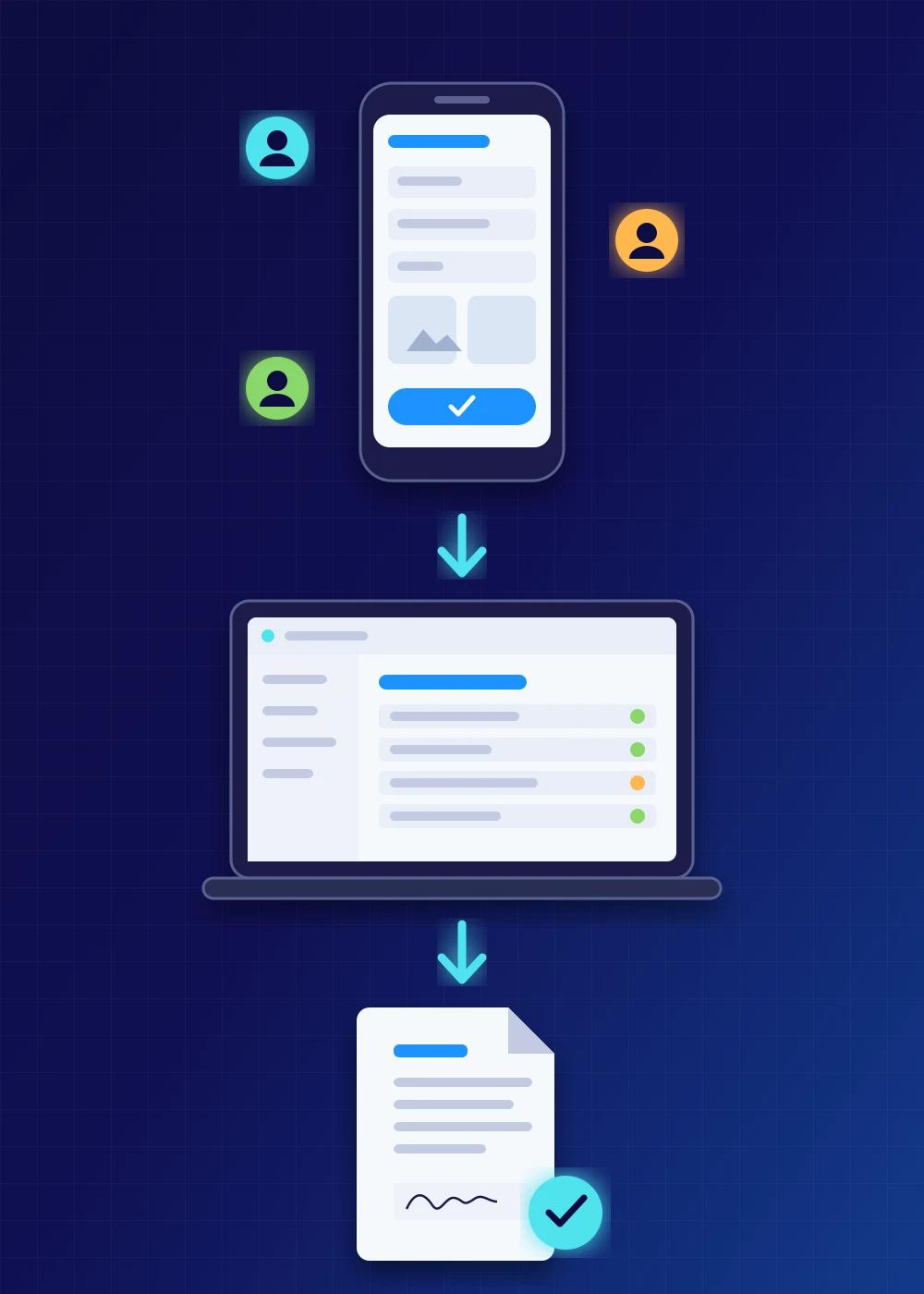
Built for phones first, role aware, offline tolerant
Logins and roles keep the right people on the right screens, and two step sign in or passkeys are in from the first version. Actions land in an audit log, so disputes end with a timestamp instead of an argument. The same security goes into the apps and services I maintain for clients: adding two step sign in to a system that never had it is one of the most common jobs I do.
Tested, staged and reversible

Senior engineering discipline on a small business budget
AI does the grunt work of drafting code and tests. I design the system, set the guardrails and own every release. That is how a solo senior engineer delivers in days what used to take a team months, without the quality dropping.
Modern apps that work on the desk and in the field

Design, AI and 3D where they earn their place
Where it adds real value I go further. Voice entry with AI help lets staff describe a job out loud instead of clicking through forms, with the AI kept behind a private gateway that filters personal data and blocks prompt injection. Interactive 3D previews let a customer see the product they are approving, with colours and openings that move. Automated visual checks on every generated quote, work order and PDF catch layout breaks before a customer does. Duplicate submission and duplicate email guards stop the same job going through twice. Background sync services feed data from the tools you already run into a database you own, with monitoring and a runbook.
The AI is also taught your business. I load your product rules, codes, catalogues, procedures and past jobs into a private knowledge base that the model consults before it answers, so it responds with your facts instead of plausible guesses. For a window and door manufacturer, the assistant knows how each product is built, which codes and options apply and what a valid configuration looks like, and it says so when something does not fit. The same approach turns a pile of manuals, policies or support history into something staff can ask questions of in their own words, and it works with hosted models or a model running on your own hardware.
It also keeps up with your business as it changes. Connected read only to your database, order system, calendar or ticket queue, the assistant can answer with today's numbers, like what is in the pipeline, which jobs are late, how a product sold this month or what a customer asked for last time. Read only means it can look but never change anything, and every question it answers against your data is logged.
All of those are in production today for a client.
Leads and forms that never go missing
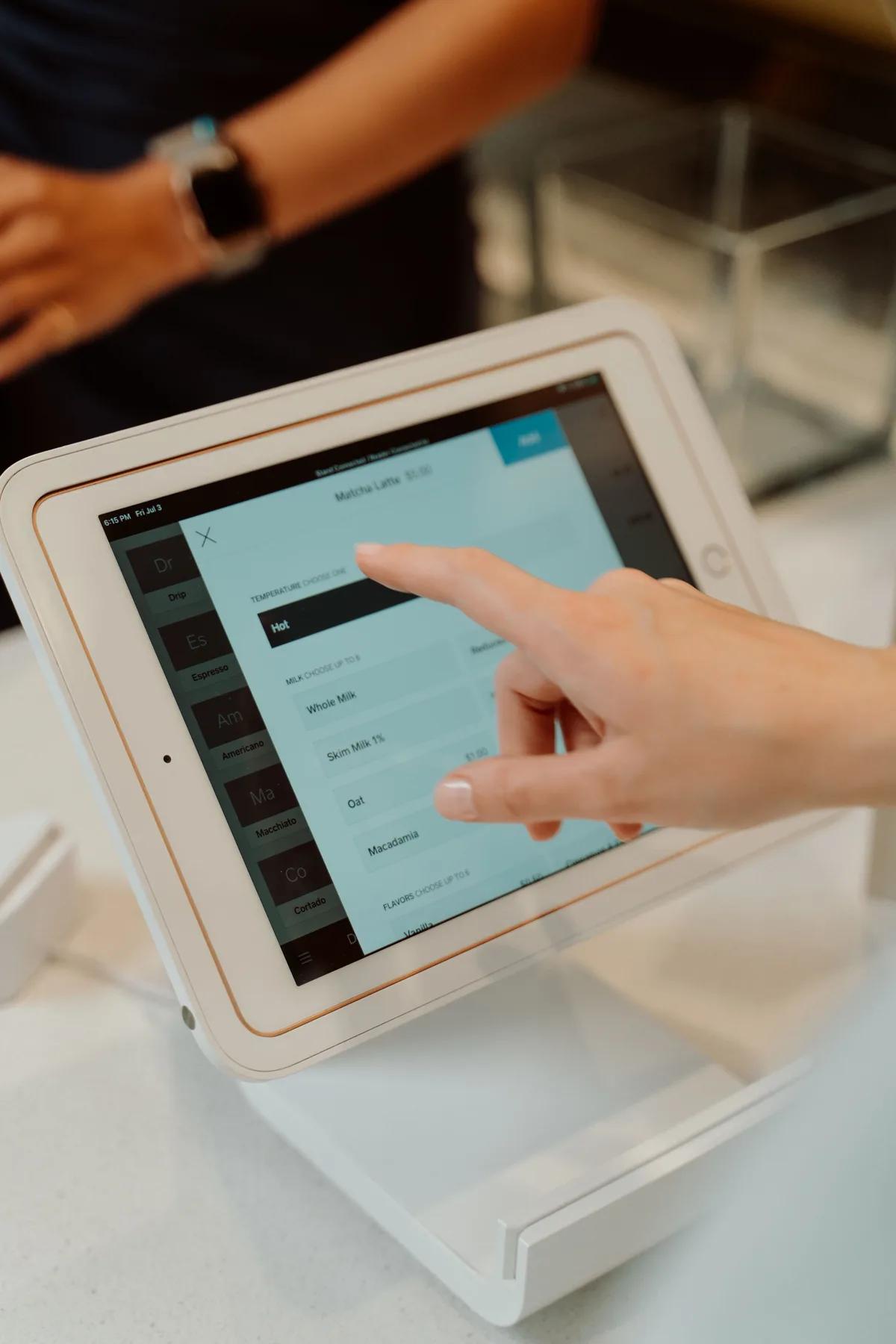
Reliable capture, verified and recoverable
If a visitor's network drops or their browser misbehaves, the form keeps the data on the device and retries until it lands, even sending as the page closes. Partial entries are captured as they are typed, so an abandoned form still produces a follow up. A synthetic test lead walks the whole path on a schedule and alerts if it does not arrive.
For a marketing client's lead site I integrated TrustedForm, so every submission is independently recorded and can be verified for authenticity and consent, which matters when leads are bought, sold or audited. The same work covered bilingual English and Spanish forms, campaign and source tracking on every lead, a set of form variants built for phones for A/B testing and an admin protected by passkeys and two step sign in. Lead data is sensitive, so these tools are built with the same security as everything else I ship.
Automation that keeps running
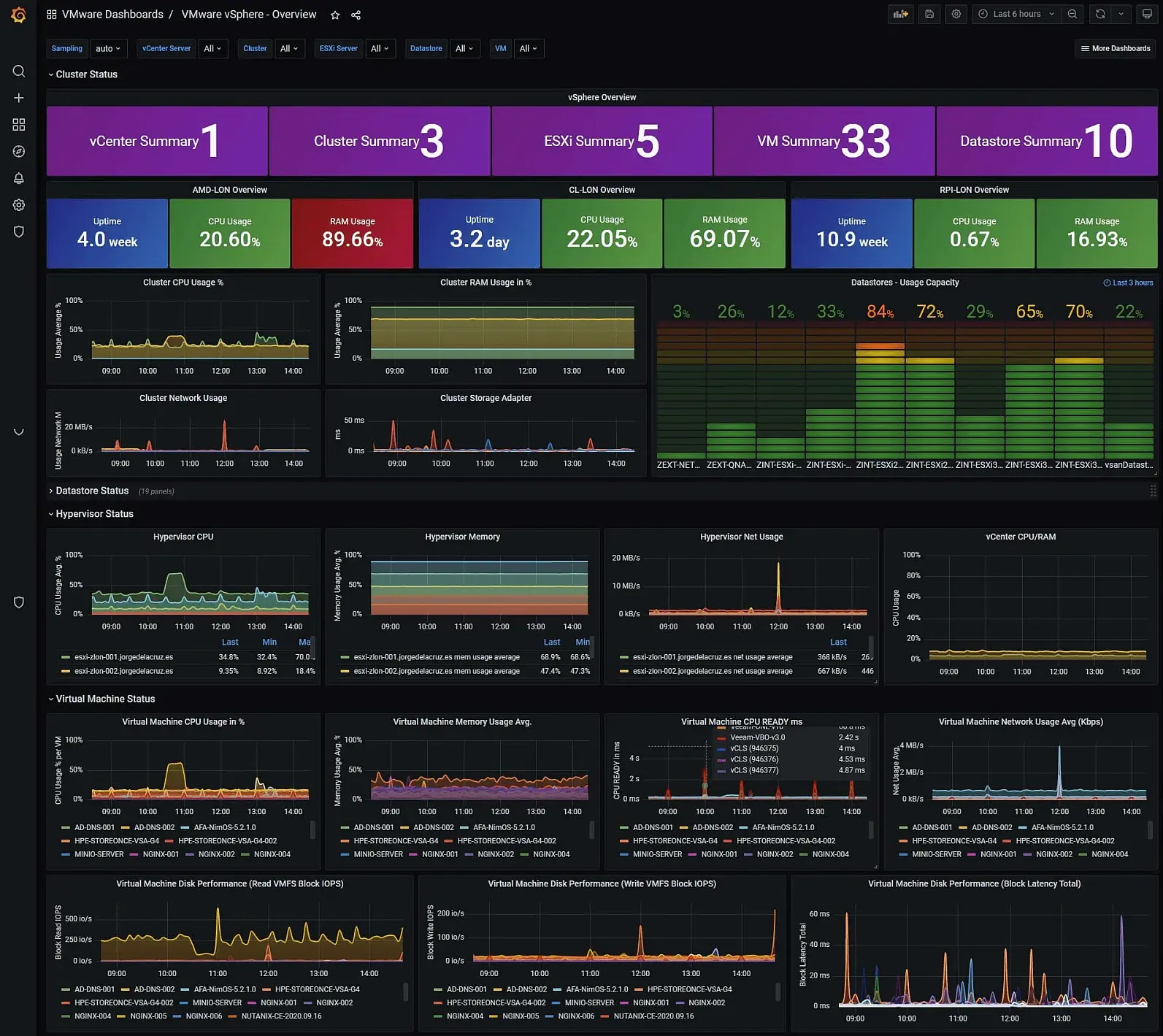
Lead routing, sheet sync, document reading, private AI
Often the first win is cost. Glue services such as Zapier charge per task, every month, forever. For a marketing client I replaced the zaps that fed their CRM and spreadsheets with a small worker they own. No fees per task, no plan ceiling and nothing to cancel because there is no subscription. The same approach replaces a form builder, a booking page, a document portal or a dashboard with an equivalent you own.
Where AI earns its place, voice driven data entry, document reading that turns invoices and forms into structured data and assistants grounded in your own rules, it sits behind a private gateway with a key per application, fixed prompts and filtering of personal data before anything leaves your systems. The full picture is on the private AI and automation page.
What you walk away with
- A free written scope and a written quote before any build starts
- A first working version in days, on phones and laptops
- Logins, roles, two step sign in or passkeys, PDFs, electronic signature, email and an audit trail
- Automated tests and reversible releases on every change
- Hosting, monitoring, patching and backups once it is live, billed for the work
- Your code and your data, in a repository you own
Recent builds
Custom app questions
- For a typical forms and roles app, days. The crane inspection app for an electrical contractor had a working first version in their hands the same afternoon we started. Larger platforms are staged over weeks, with something usable at every stage.
Built, shipped and in daily use
We're electricians, not computer people, and Henry has become our IT guy. He built us a crane inspection app in one afternoon and it has saved our crews a pile of paperwork on every job since. He did our website, fixed up our email, got our time tracking onto something we actually own and set up our office computers so they're fast, locked down and we just don't have problems with them anymore. He explains it in plain English and it's done right the first time. If I have a question I usually get an answer the same day. For a shop our size that's the difference between worrying about this stuff and not having to think about it.
- Optima Windows & DoorsFrom ransomware protection to a quoting platformIt began as security consulting to protect a window and door business from ransomware. It became a digital transformation, with a custom quoting tool the sales team opens every morning.Read the case study
- JPI Electrical Ltd.One electrical contractor, and all of its ITA website for an industrial electrical contractor, then their computers and email, then time and attendance, then a crane inspection app that replaced paper forms in the field.Read the case study
- Sellmore Windows & DoorsNo lead left behindYears of looking after a lead generation business: their server, every landing site, the pipeline behind the forms and the day paid leads were being thrown away without anyone knowing.Read the case study